
How to Search Cases by Name
Colorado's free Colorado Judicial Branch Docket Search covers scheduled matters. Search by individual, business, or attorney. Keep its limits in mind. This is a calendar search, not a full public name index. Pick Mineral County or the 12th Judicial District. Then add a date and at least one more filter. Before you trust a party-name hit, check the court, the case number, the caption, and the setting to be sure it is the matter you want.
- Open the docket search and choose Mineral County, the 12th Judicial District, or Mineral Combined Court as the location filter.
- Select Individual or Business. Enter the relevant first and last name, or the business name, without adding facts not requested by the form.
- Add a date choice because the tool searches scheduled dockets. Use Court Type, Division, or Case Class only when known.
- Run the search and compare the returned location, case number, caption, date, and court type. Remove an over-narrow filter if no result appears.
- For a full public history, move to the authorized ROA channel or ask Mineral Combined Court for the official register and documents.
These fields mirror the official free docket interface. Dropdown options shift depending on earlier choices, so trust only the published field roles and formats.
| Field Label | Type | Required | Notes |
|---|---|---|---|
| Judicial District | Dropdown | Optional alone | Select 12th Judicial District for Mineral County. |
| County | Dropdown | Optional alone | Select Mineral for a local scheduled-docket search. |
| Courthouse | Dropdown | Optional | Mineral Combined Court is the local location. |
| Date Range or Specify A Date | Dropdown or date | Date context required | At least one filter in addition to date is required. |
| Individual or Business | Radio control | Optional | Switches the party-name mode. |
| First Name and Last Name | Text | Conditional | Used for an individual search. |
| Business Name | Text | Conditional | Used for a business search. |
| Attorney Name or Bar Number | Radio and text | Optional | Searches a scheduled matter through attorney fields. |
Mineral County Case Search Goal
Three different products answer three different questions. The free docket search tells you what is scheduled. A register of actions, usually called an ROA, lays out the case history in order. A filed document is the real complaint, order, judgment, or ticket itself. Pick the right product first. You save yourself repeat searches and fees.
| Need | Best Starting Channel | What It Returns |
|---|---|---|
| Future hearing | Judicial Branch Docket Search | A scheduled calendar result, not filed papers. |
| Case event history | Authorized ROA vendor or clerk | Chronological public events, subject to coverage and access limits. |
| Official paper or ROA | Mineral Combined Court or state request form | Clerk-supplied record, with copy or authentication fees when applicable. |
The Judicial Branch court-record search explanation separates vendor data from actual court documents.
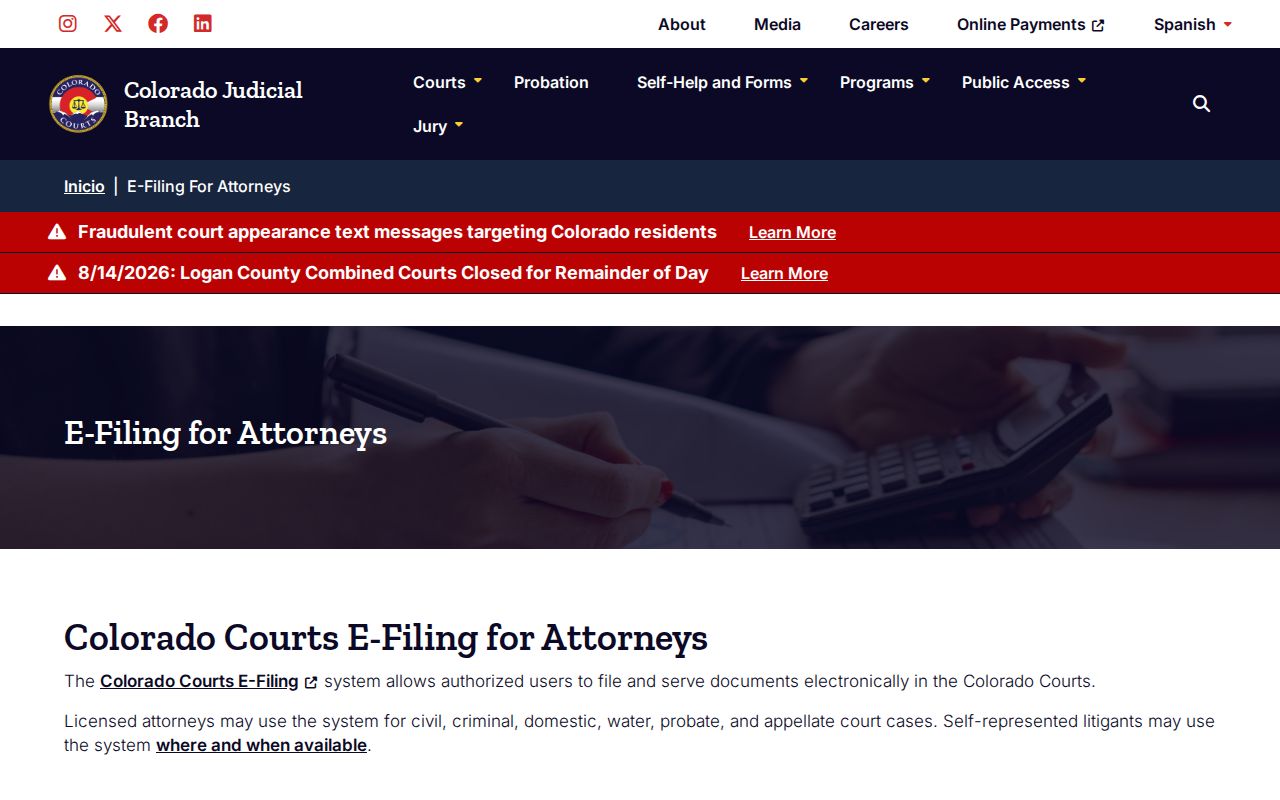
That official page explains the catch. Finding an ROA entry does not mean the linked document image is viewable online.
How to Search by Case Number
Colorado's docket interface splits the case number into pieces rather than one blank. You enter a four-digit year, a Case Class, and a Case Sequence in separate controls. One published example is 2019T999999. Here 2019 is the filing year, T is the class, and 999999 is the sequence. Each piece goes in its own field. Classes vary. Common ones are CR for criminal, M for misdemeanor, T for traffic, CV or C for civil, S for small claims, DR for domestic relations, and PR for probate where applicable. Do not stretch a code past its official meaning. One wrong class can hide the right calendar row. If a number fails, reread the notice. Drop the class filter, or ask the clerk to pin down the correct number. Note that a felony complaint can begin in County Court. It can later proceed in District Court. The register of actions shows transfers and cross-references that a single calendar search never will.
Mineral County Case Number Parts
A case number works as both an identifier and a routing clue. The year tells you when the case began. The class points to a record category. The sequence separates that file from every other case in the same year and class. These clues do real work. They let the Combined Court clerk pull an older file even when the free calendar shows no future event. Copy the number exactly as it appears on a notice or order. Two different numbers on two papers? Ask whether a County Court complaint moved to District Court. Or ask whether an appeal opened a second docket. Never merge the parts or guess at a missing class.
Mineral County Case Search Paths
Name and number are not the only routes. An attorney name works too. The free interface also accepts an attorney bar number. That helps when you know the lawyer but not the case. It is still just a calendar view. It does not prove the full set of cases tied to that attorney or party. For real-time public ROA data, the Judicial Branch directs users to authorized vendors. LexisNexis and CoCourts is the fee-based option. It covers listed civil, water, small-claims, domestic, felony, misdemeanor, and traffic records by name or case number.
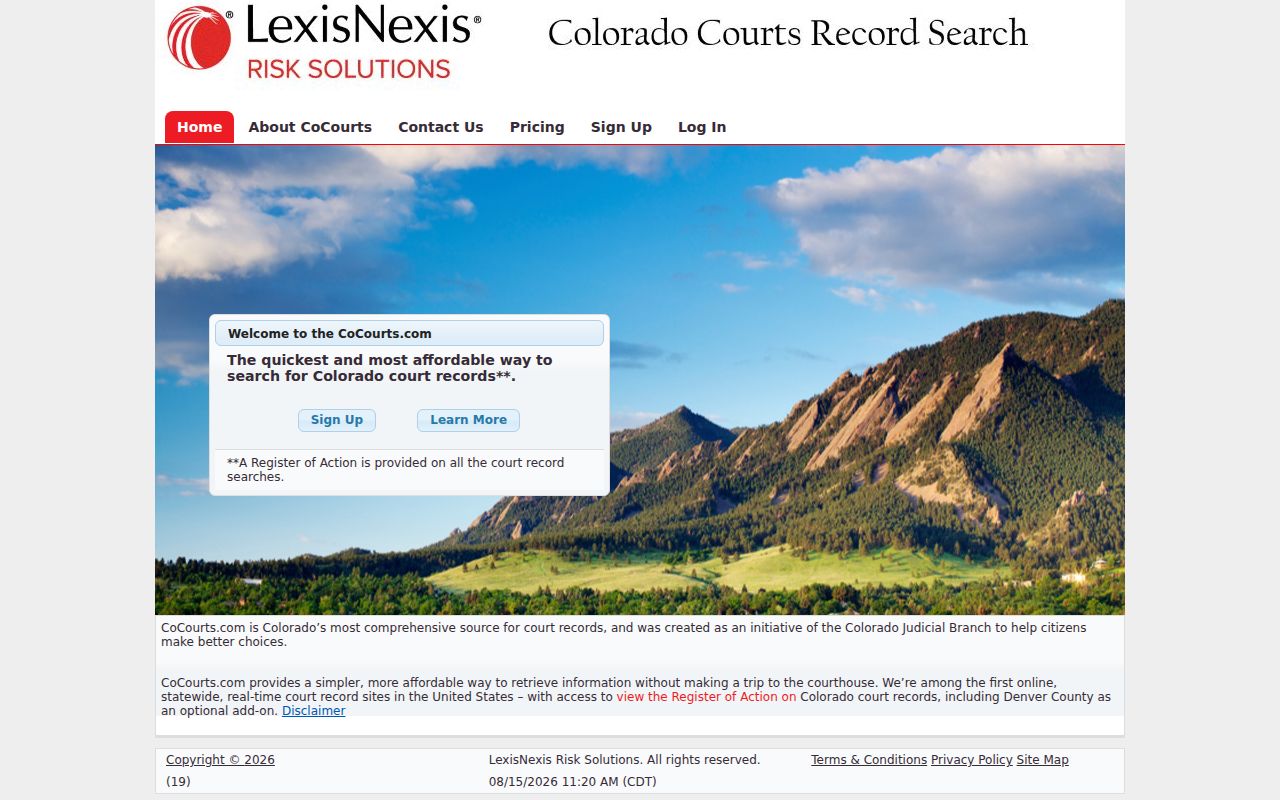
The vendor view sits on a different layer than the free calendar. Its data may be real time, yet it can still be unauthenticated and incomplete. For the official ROA, an order, or another filed item, file the state Record and Document Request Form and select Mineral as the location. You can also contact the Combined Court directly. A published clerk name search runs $5. That fee is a fair fallback. Use it when you lack a case number and the free calendar does not fit the job.
What a Case Search Shows
A free docket result shows a scheduled setting. A public ROA goes deeper. It lists a header, role-labeled parties and counsel where public, events in order, settings, minute orders, disposition details, and financial information where available. Neither one counts as a certified copy.
| Case Number | The filing year, case-class letters, and sequence tied to the matter. |
|---|---|
| Court and Division | Mineral County Court or District Court, courthouse, and assigned division or judicial officer where displayed. |
| Caption and Parties | The case style and role-labeled parties, subject to public-access rules. |
| Filed Date and Status | The opening date and current system status when supplied by the ROA. |
| Events and Settings | Chronological filings, minute orders, notices, hearings, continuances, and disposition entries. |
| Documents | Event text may name a paper, but the image must be requested from the filing court. |
When exact wording matters, request the document itself. The broader Mineral County court record search covers clerk copies, certification, and formal requests.
Mineral County Case Result Terms
An ROA marks activity with short labels. Those words describe one event in a sequence. They do not always state where the whole matter ended. Read the later entries before calling one line the outcome.
- Filing
- A paper was delivered and accepted into the official court file.
- Minute order
- A concise official record of action taken by the court.
- Setting
- A scheduled hearing or case stage, which a later reset may replace.
- Disposition
- The way a charge or case concluded; the exact order may be a separate document.
- Restricted
- An access level that limits who can see some or all of the record.
"Dismissed," "judgment," and "satisfaction" each carry a distinct meaning, so obtain the related order when the exact legal terms matter.
Mineral County Case Search Gaps
A blank screen does not mean a blank court docket. The free Mineral County search tracks scheduled settings. So a closed case with nothing on the calendar can fail to appear. Searching too narrowly hurts too. A wrong Case Class buries the row. So does a misspelled name, the wrong county, or a tight date range. Some case types sit outside vendor coverage. Sealed, suppressed, juvenile, probate, family, and other protected records stay off-limits by rule.
When a name stalls, try the case number instead. Peel off one filter at a time and see what changes. Figure out state or federal court first. Then ask the Combined Court about older or off-site files. The statewide request form can still reach Mineral County with an official records request when a calendar search simply is not the right tool.
Search result rule: Verify the spelling, year, class, sequence, county, and record type before drawing any conclusion from a blank page.
Colorado keeps adjusting how court records get shared. The SB25-239 enactment page shows 2025 legislation touching nonattorney access to court data, along with name indexes and ROAs in certain settings.
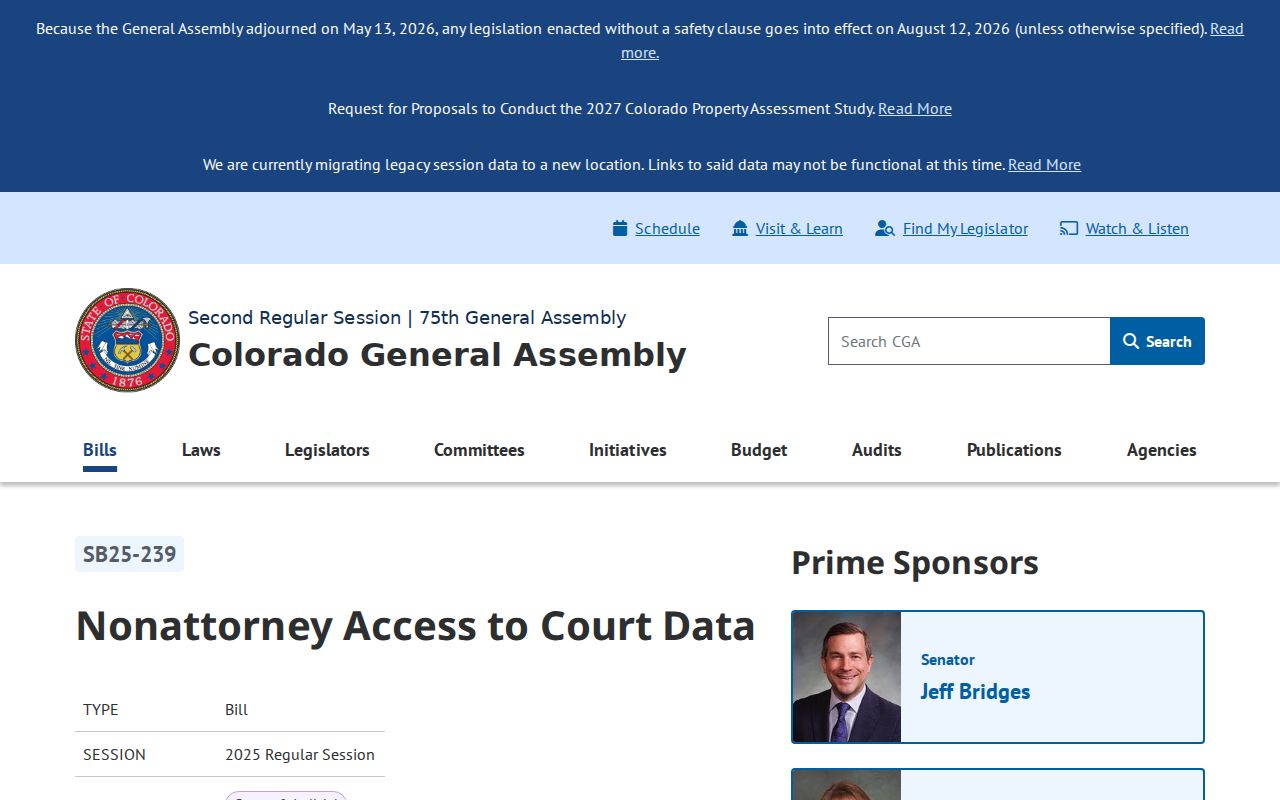
The new law fine-tunes access rules. It does not build a free statewide document repository.
Mineral County Direct Case Search
When a portal leaves your Mineral County case unresolved, the Combined Court is the last-mile option. Give the clerk what you know. Include party names, an approximate filing year, the case type, and any fragment of a case number. Be clear about what you want back. An ROA, a plain paper, a certified document, a transcript, and an archived file all differ. Each can follow a separate process and fee rule.
Call or email before driving to Creede. In-person inspection of court records still depends on reasonable court operations and access controls. Mail works too. Give staff enough detail to find the file and quote the charge.
County vs Statewide Case Search
Mineral County publishes no case-search database of its own. The Colorado Judicial Branch handles that side. It offers a free statewide docket calendar plus links to authorized ROA vendors. For the county-level channel, turn to the Mineral Combined Court clerk. That office keeps the official local file. It can supply an ROA, pleadings, orders, judgments, tickets, and authenticated copies after an access review.
| Channel | Coverage | Best Use |
|---|---|---|
| Statewide Docket Search | Scheduled Colorado court dockets filtered to Mineral County | Confirming a known or upcoming hearing date. |
| Authorized Vendor | Listed public ROA types from Judicial Department data | Searching chronological case events by name or number for a charge. |
| Mineral Combined Court | Official local District and County Court files | Obtaining the official ROA, documents, or certified copies. |
The Mineral County clerk takes record requests by phone, email, or mail. Call 719-658-2575, write to MineralClerk@judicial.state.co.us, or send a letter to 1201 North Main, P.O. Box 337, Creede, CO 81130. The counter opens weekdays from 9:00 a.m. to 4:00 p.m. It closes on state holidays. If you mail a docket request, list the case number, party names, year, and the specific paper you want. Confirm the fees before sending payment.
Mineral County E-Filing Boundary
The state's filing engine is Colorado Courts E-Filing. Don't confuse it with a free public case-search portal, because it isn't one. Attorneys rely on it for electronic submissions across Colorado courts, including Mineral County filings. Self-represented parties who qualify can register too. They may opt into an existing domestic-relations or eviction case of their own, subject to acceptance and the supported case rules.
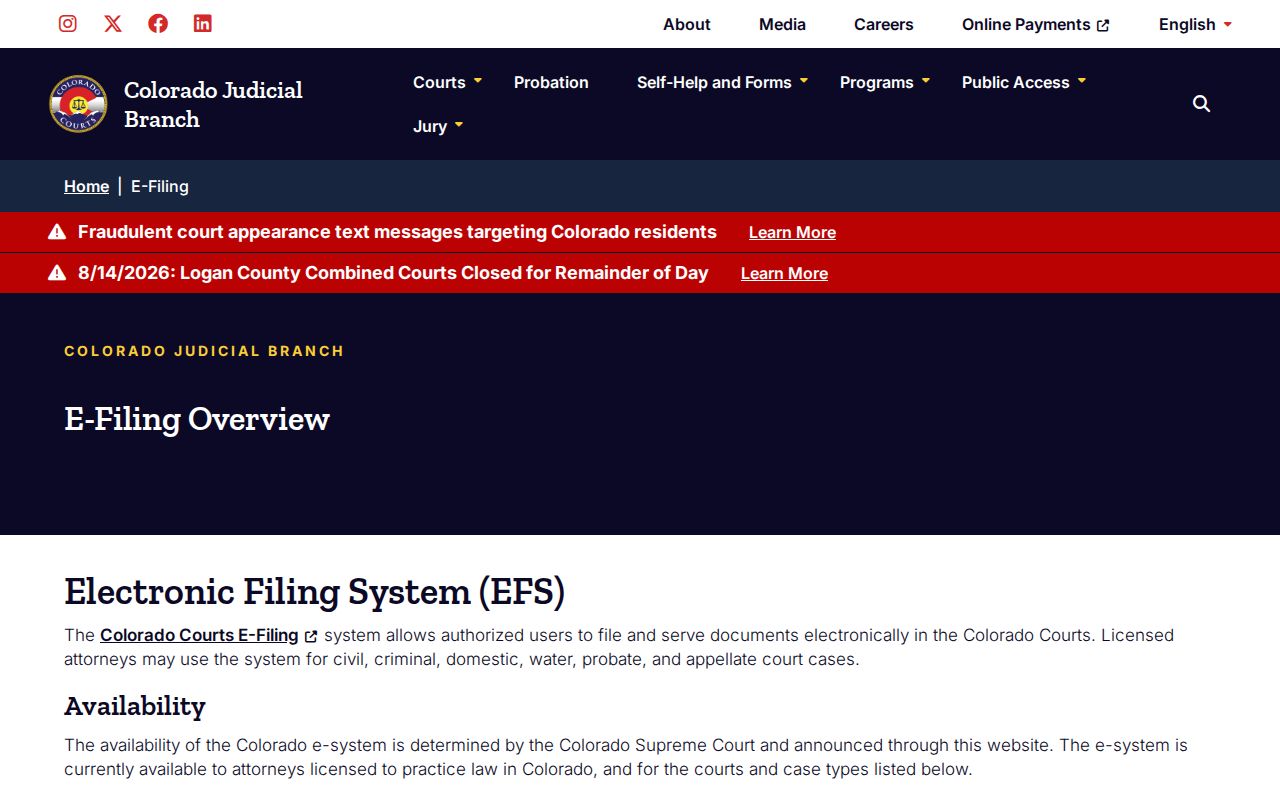
That overview page keeps filing access apart from the public calendar and ROA search tools. The Colorado Courts E-Filing login itself sits behind an account gate rather than a general name index.
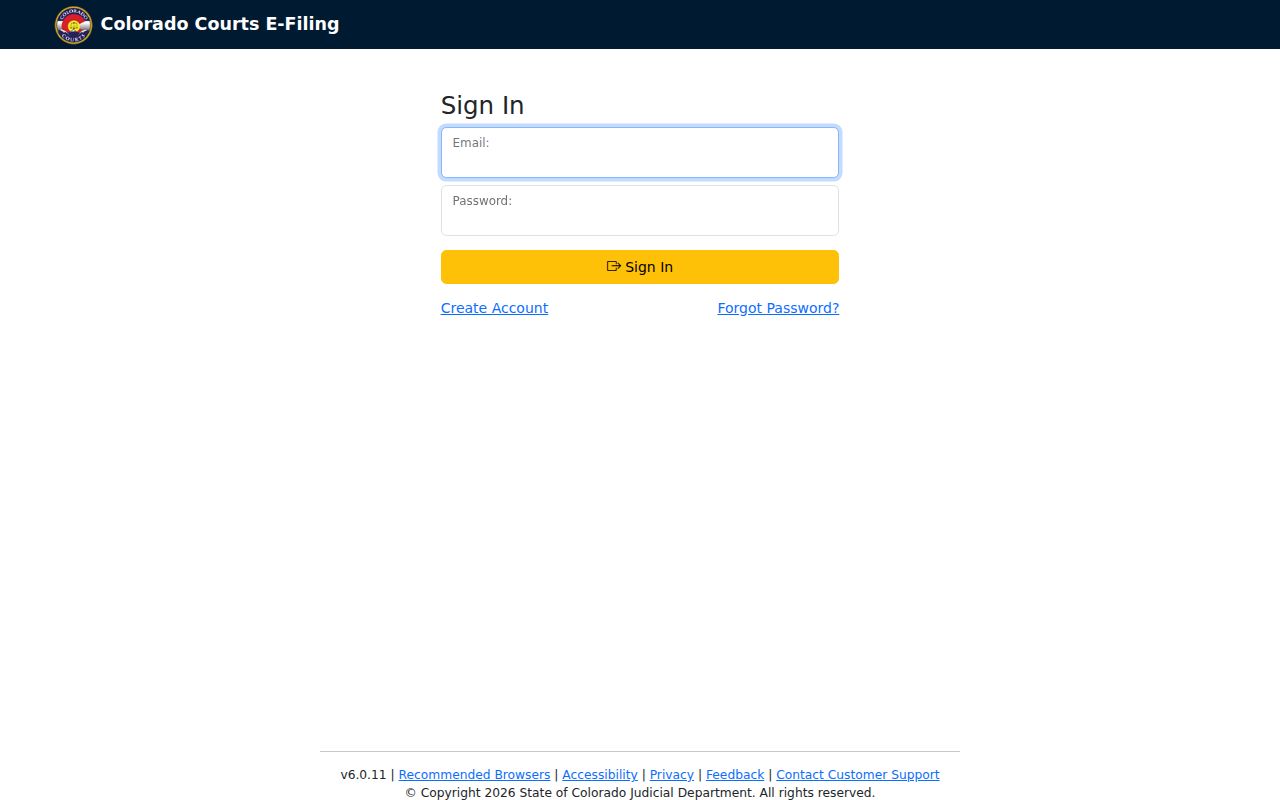
A login grants an authorized user access to file in their own case. That is its limit. It is not open public access to every Mineral County court file. Treat it accordingly. For the details, the nonattorney e-filing rules spell out registration, opt-in, eligible case types, and filing limits.
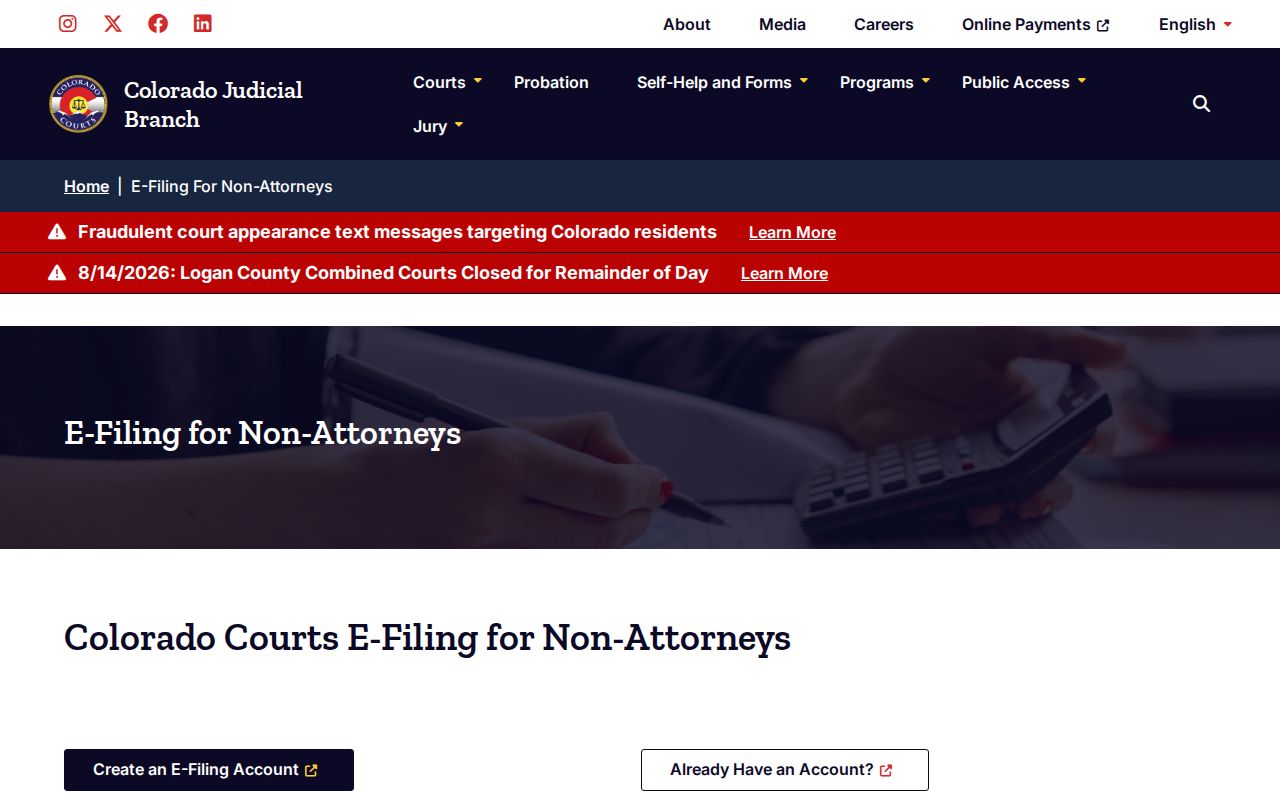
Those rules let an eligible party reach their own case. They do not open a public docket search for another person's matter in Mineral County.
Mineral County Official Case Request
The statewide request form turns a docket search result into an actual court record. It gathers your contact details. The case number goes in too, if you have it. So do the case type, the filing year, the county, and the parties, plus which papers you want. You can ask for an ROA or named criminal, civil, family, or probate documents. Certification or exemplification can be requested as well.
List Mineral County as the filing location. Describe the document with care. The Judicial Branch aims to respond within three business days when nothing unusual slows things down. Retrieval from storage, extra research, or redaction can stretch that timeline and add published costs. Wait for the court's quote and its payment instructions before sending anything.
Restricted Cases and Access Rules
Chief Justice Directive 05-01 sets out public access to Colorado court records. It sorts records into public, protected, restricted, suppressed, and sealed categories. Even a public case can hold redacted or protected pieces. Restricted and suppressed records may reach only court staff, the parties, counsel, or other authorized users. Sealed records are not ordinary public ROAs.
Juvenile files are usually confidential or limited in who may see them. Certain probate and protected family papers can demand proof of relationship or authority plus government photo identification. A residential eviction case starts out suppressed under C.R.S. §13-40-110.5. Its later public status follows the statutory outcome or an agreement. Access varies from one case type to the next in a Mineral County docket search.
Ask the Mineral Combined Court what proof or court authority applies to your situation. Staff cannot set aside a sealing or suppression order. Showing up at the counter is not enough. A blank search result does not prove a case was sealed or expunged. The matter may simply fall outside the calendar's purpose.